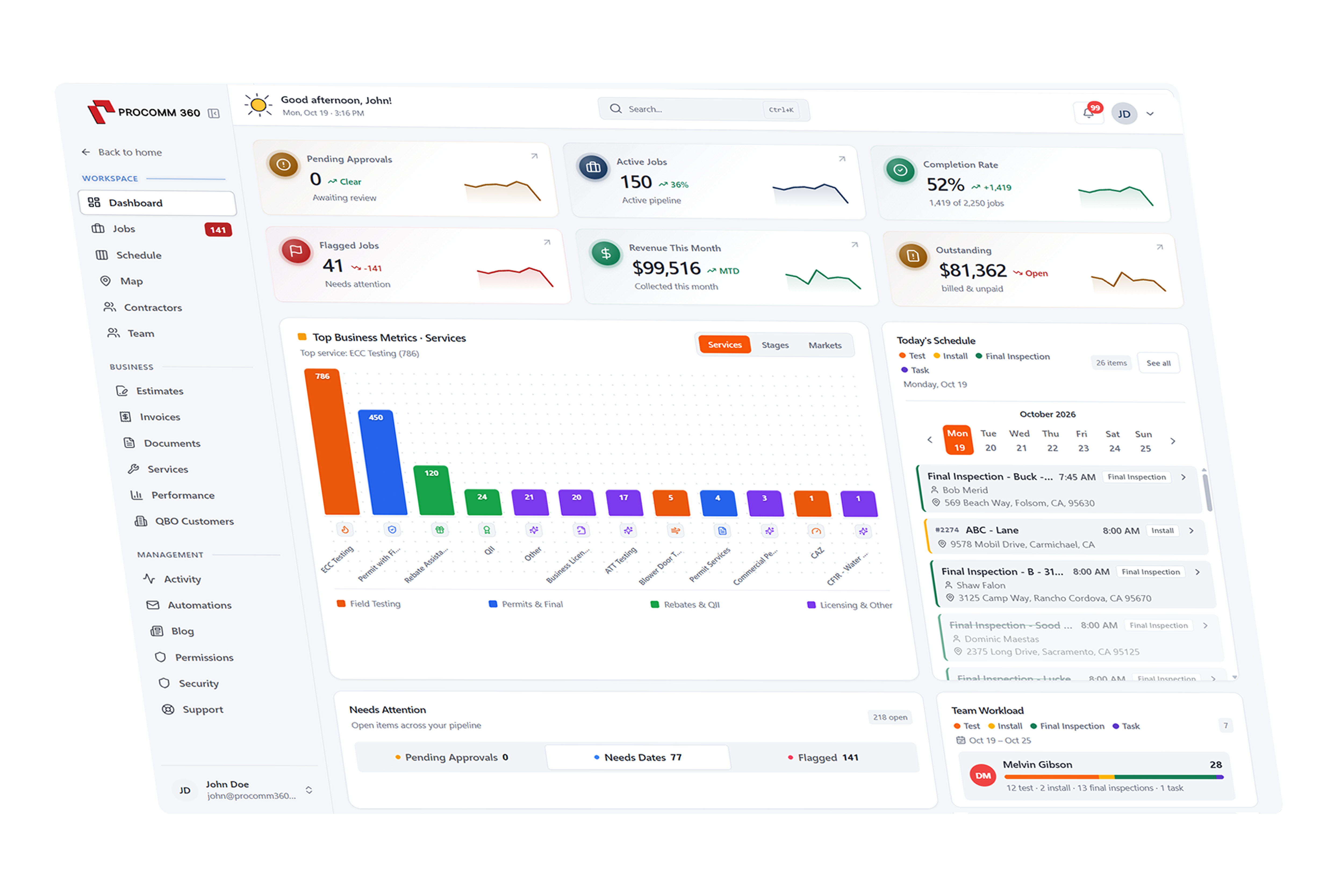
Fleet tracking that puts your entire operation in view
See where vehicles and equipment are, support safer driving, plan better routes, and stay on top of maintenance—all connected to the workflows your team already uses.
Set up and supported by our local team in Rocklin, CA

One connected fleet workspace
Vehicles · Drivers · Equipment
How does fleet tracking work in Procomm 360?
Live GPS & Trip History
Know where your fleet is, without the phone calls
See vehicle locations on a shared map and review trip history so dispatchers and managers can get the context they need without calling each driver.
Location availability and refresh frequency depend on the installed tracking hardware and connectivity.

Fleet location view
Illustrative Procomm 360 fleet portal
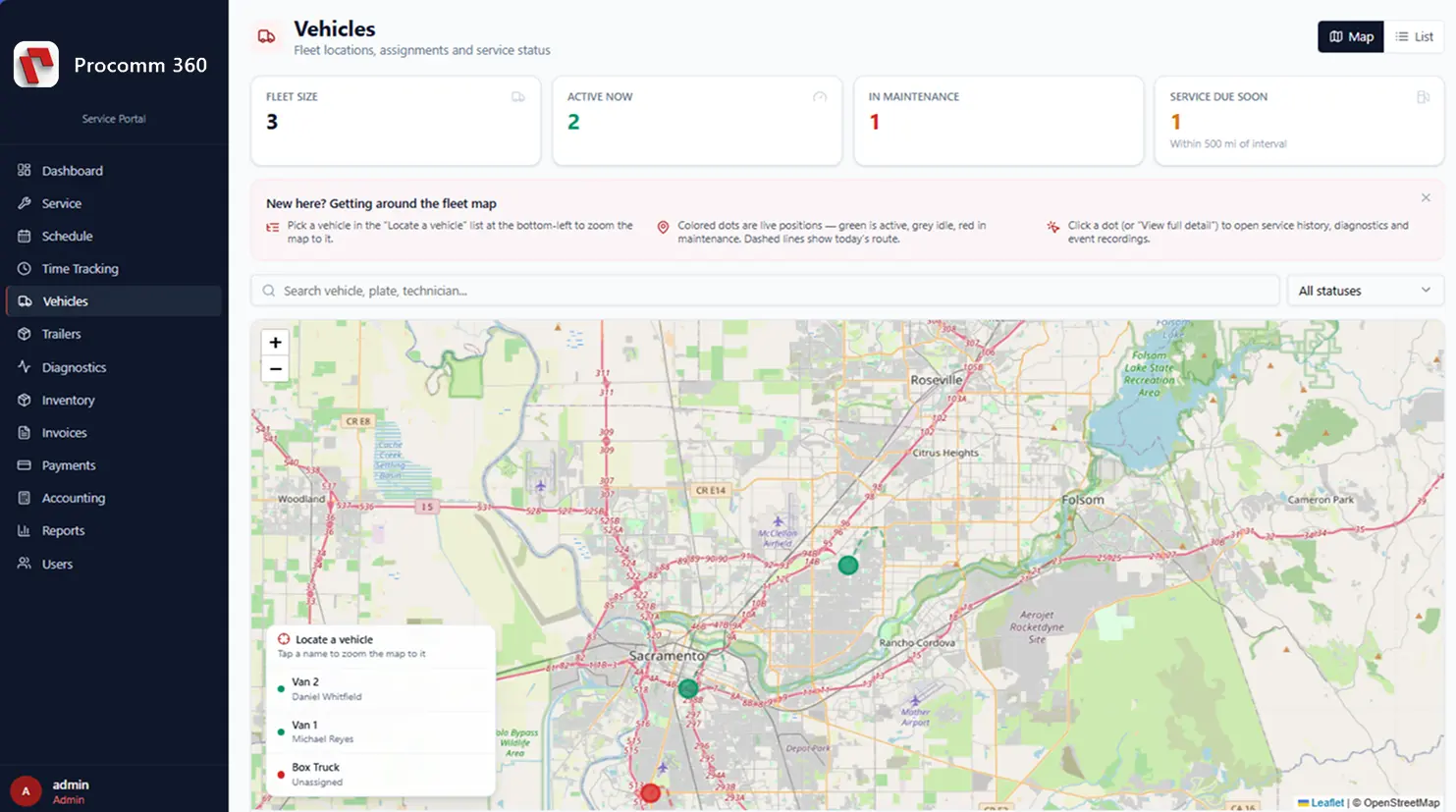
Actual views, refresh intervals, and supported equipment depend on your fleet configuration.
Driver Safety & Cameras
Get better context when incidents happen
Supported road-facing and dual-facing AI-enabled cameras can provide video context for incidents, coaching and safety reviews. Pair camera insights with trip information to support your team on the road.
Camera features, retention and safety-event detection depend on the chosen hardware and service configuration.
Safety review
Illustrative activity queue
- Review
Driver safety event
Video review available when cameras are enabled
- Logged
Trip incident notes
Keep details alongside the trip record
- Planned
Safety coaching follow-up
Track next steps with your team
Routing & Dispatch
Connect your vehicles to your daily schedule
Help dispatchers see which vehicles are in the field, review assignments and plan routes based on the day's work. Linking fleet visibility with dispatch makes schedule changes easier to manage.
Routing and optimization features can be configured around the needs of your operation.
Dispatch overview
Example workday · not live locations
- Truck 01Scheduled
Scheduled service visits
Assigned crew · route planning
- Truck 02On site
On-site work
Dispatch notes available
- Truck 03Pending
Next assignment
Awaiting office dispatch
Maintenance & Diagnostics
Stay ahead of downtime
Organize service reminders, vehicle health information and diagnostic alerts in one place. Build a more proactive maintenance workflow instead of waiting for preventable breakdowns.
Available engine diagnostics and maintenance inputs vary by vehicle, gateway and connected equipment.
Maintenance overview
Illustrative vehicle service records
- Upcoming
Preventive service
Scheduled inspection and upkeep
- Review
Diagnostic notification
Requires supported telematics hardware
- Complete
Completed maintenance
Service history kept on file
Assets & Equipment
Keep an eye on more than trucks
Extend fleet visibility to compatible trailers, heavy equipment and mobile assets. Keep important equipment records organized and locate tracked assets with fewer manual check-ins.
Asset location and monitoring features require supported tracking devices.
Tracked assets
Illustrative asset categories
- GPS
Service trucks
Vehicle tracking and trips
- Asset
Trailers
Compatible asset tracking devices
- Asset
Heavy equipment
Equipment location and usage options
Fuel, Usage & Reporting
Find opportunities for a more efficient fleet
Review trips, utilization and available idling information to identify patterns that may drive unnecessary expense. Turn day-to-day fleet activity into better operational decisions.
Savings are not guaranteed; reported data depends on vehicle and hardware support.
FLEET ACTIVITY
Operations reporting
Illustrative reporting categories
Compliance Support
Make fleet compliance easier to organize
Keep relevant vehicle and maintenance information accessible and discuss available compliance workflows, including options related to California Air Resources Board (CARB) Clean Truck Check requirements.
Regulatory integrations and reporting eligibility depend on hardware, service availability and fleet type. Procomm 360 does not replace required inspections or regulatory advice.
VEHICLE FILE
Compliance readiness
Illustrative records checklist
Get a system built around your business
Pick the tools you need, and we'll put together a quote that fits the way you work.
Build Your SystemRelated Features
Works with the tools you already use
Connect QuickBooks, Xero, your bank accounts, and Clover POS so information flows between systems without double entry.
Why Service Pros Switch to Procomm 360
Compare Procomm 360 against Jobber, Housecall Pro, and ServiceTitan. We combine field service software, wholesale merchant processing, Clover POS hardware, and a lead-generating website under one roof.
| Capability / Cost Factor | Procomm 360 | Jobber / Housecall Pro | ServiceTitan |
|---|---|---|---|
| Field Quoting, Scheduling, Dispatch & Invoicing | Included & customized to your workflow | Included (tiered limits) | Included (complex setup) |
| Per-User / Per-Technician Monthly Fees | Unlimited users on custom plans ($0 extra per tech) | $29/mo per extra user above plan cap | $250–$500+ per technician/month |
| Credit Card Processing Rates | Wholesale interchange-plus + Free 3-statement audit | Fixed high flat-rate software markup | Standard processor rates |
| POS Hardware (Clover Station, Mini, Flex) | Included / Free upgrade options when switching | Card reader only (no countertop POS) | No retail POS hardware |
| One-Click Bank Sync & Accounting Reconciliation | Direct bank feed + QuickBooks/Xero sync | QuickBooks sync only on higher tiers | Requires enterprise accounting module |
| Custom Lead-Generating Website + CRM | Custom-built & SEO-optimized for your market | Generic template builder add-on | Requires 3rd-party agency |
| 24/7 AI Receptionist (Call & Text Booking) | Built-in call & SMS answering + job booking | Paid add-on ($99+/mo) | Enterprise add-on |
| Setup, Data Migration & Local Support | Done-for-you in 2–6 weeks · Local in Rocklin, CA | Self-serve DIY setup | 6–12 month implementation ($10k–$50k+) |