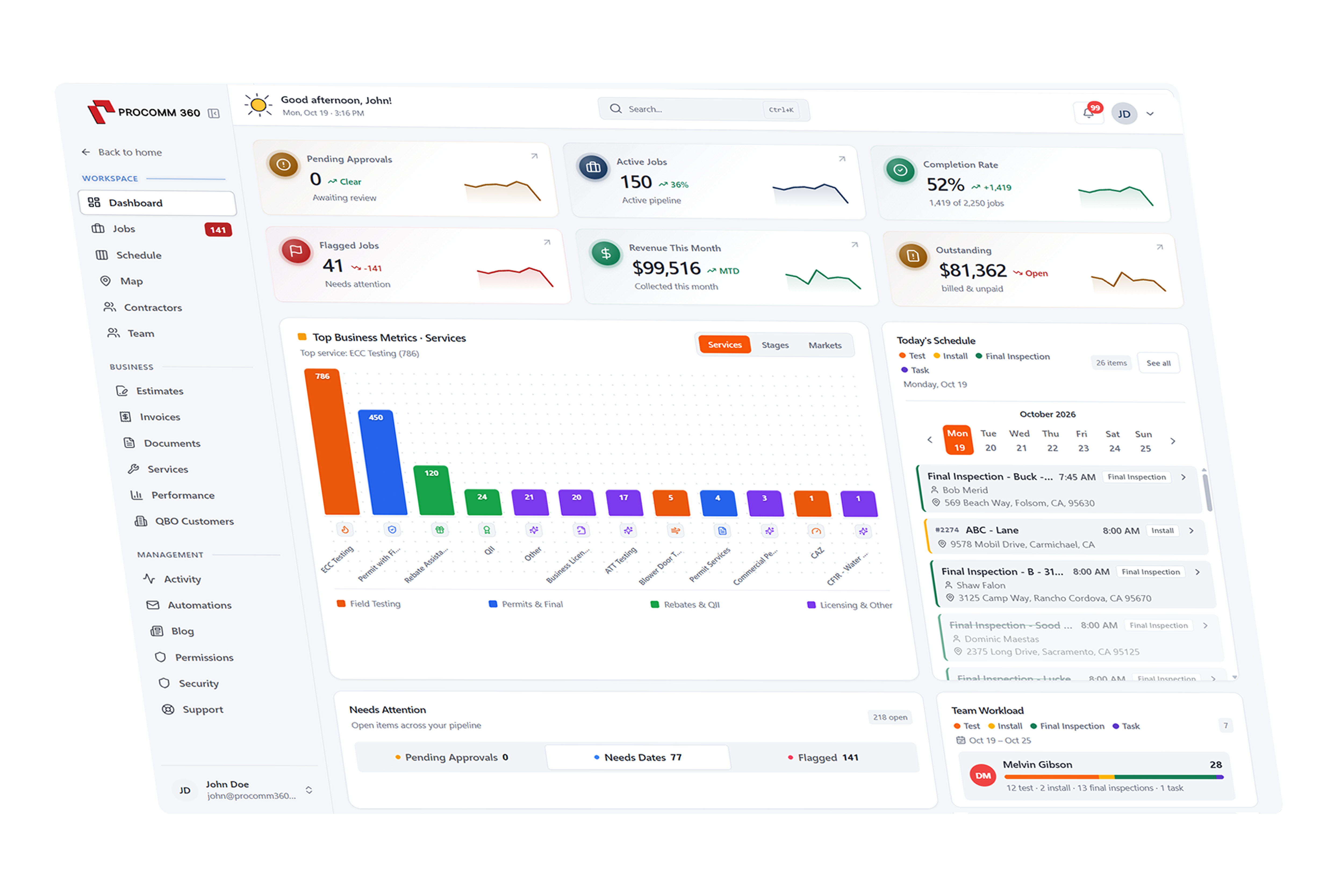
Scheduling and dispatch software that keeps every crew on track
See every job, crew, and truck on one color-coded calendar. Drag and drop to assign work, optimize daily routes, and let automatic texts keep customers in the loop.
Set up and supported by our local team in Rocklin, CA


Route optimized for Crew A
6 stops · 38 fewer minutes on the road
How does scheduling work in Procomm 360?
Drag-and-Drop Calendar
Plan the whole week in minutes
View jobs by day, week, or crew on a color-coded calendar. Drag a job to a new time or technician, and everyone's schedule updates instantly, in the office and in the field.

Dispatch board
Tuesday, May 14
- 8:00 AMAssigned
AC tune-up
Crew A · Mike R.
- 10:30 AMIn progress
Furnace repair
Crew B · Luis P.
- 1:00 PMNeeds crew
Duct inspection
No crew assigned
Route Optimization
Spend less time driving and more time billing
Smart GPS routing puts each crew's stops in the most efficient order. When plans change mid-day, re-optimize in a tap and the new route goes straight to your tech's phone.
Crew A · Today's route
Optimized at 7:30 AM
6
Stops
42 mi
Total distance
−38 min
Drive time saved
Crew Assignment
Put the right tech on every job
See at a glance who's booked and who has room, then assign work by skill, location, or availability. The assigned tech gets job details, gate codes, and notes right away.
Crew availability
Tuesday, May 14
- Full
Mike R. · HVAC
4 jobs · 6.5 hours booked
- Open
Luis P. · Plumbing
2 jobs · 3 hours booked
- Limited
Jen K. · Electrical
3 jobs · 5 hours booked
On-My-Way Texts
Let customers know you're on the way
Techs send an on-my-way text with their arrival time in one tap, so customers are ready when the truck pulls up and your office gets fewer “where are you?” calls.
Casey Young
Text message
Hi Casey, it's Mike from Summit HVAC. I'm on my way and should arrive in about 15 minutes.
Great, the side gate is unlocked.
Sent from the field app
Visit Reminders
Cut down on no-shows
Automatic reminders go out before every appointment by text or email, so customers remember the visit and know what to expect.
Appointment reminders
Sent automatically for every visit
Booking confirmation
Text & email · when scheduled
Day-before reminder
Text · 24 hours before
Morning-of reminder
Text · 2 hours before


Trusted by 55+ growing service businesses
“My technicians see their daily route, upload job photos, and close out work orders from their phones. It saved me at least 12 hours of paperwork a week.”
Get a system built around your business
Pick the tools you need, and we'll put together a quote that fits the way you work.
Build Your SystemRelated Features
Works with the tools you already use
Connect QuickBooks, Xero, your bank accounts, and Clover POS so information flows between systems without double entry.