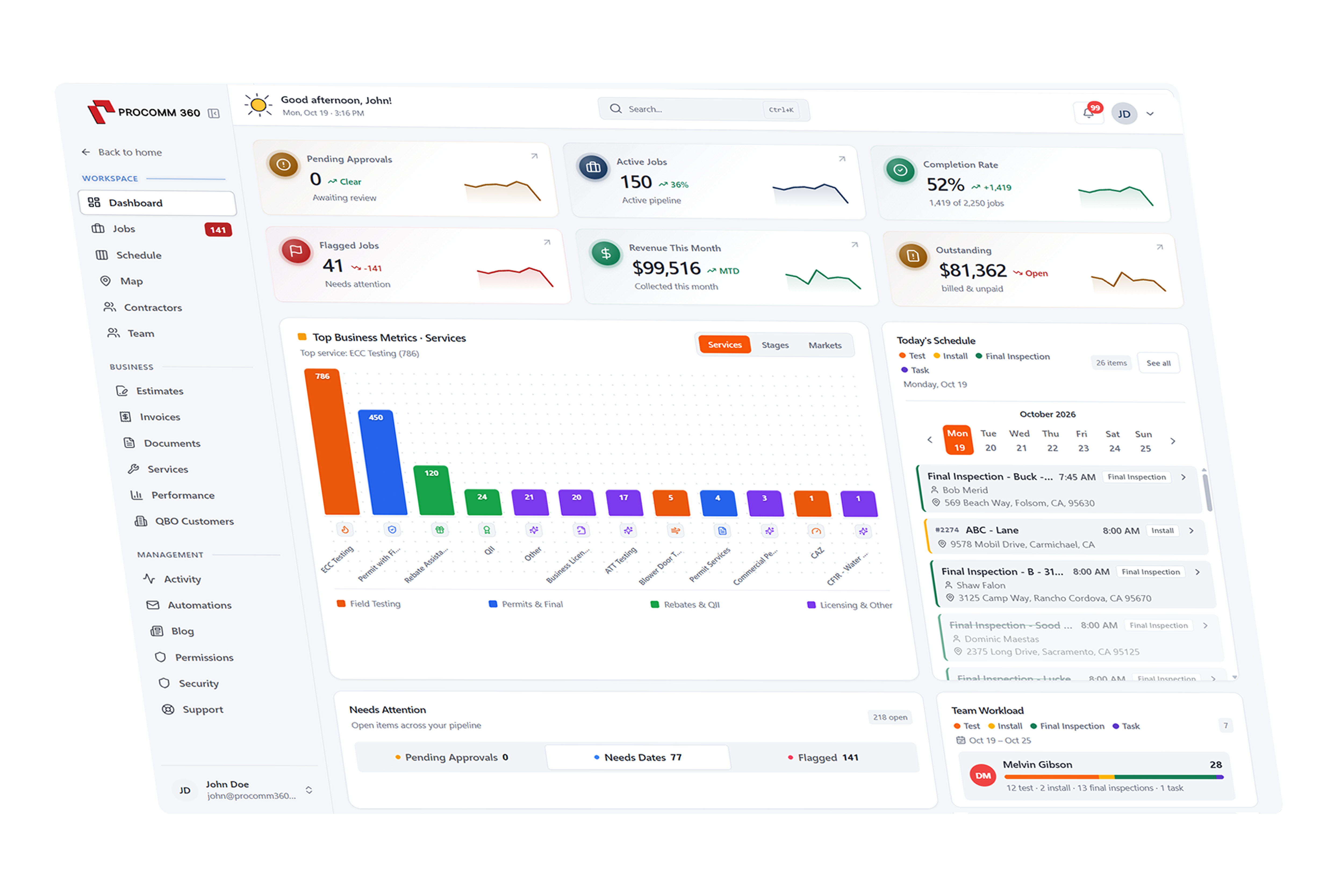
A field service app that gives your crew everything they need
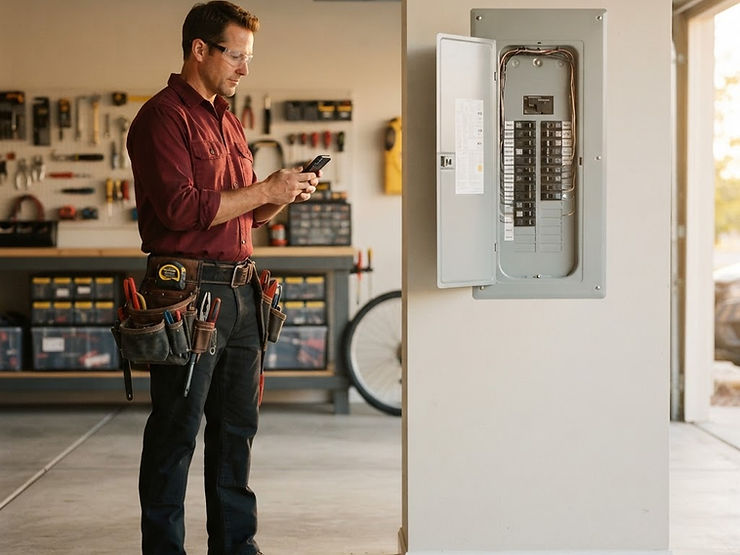
Technicians see their daily schedule, job notes, and checklists on iOS or Android. They can snap before-and-after photos, track time, and collect payment on site without calling the office.
Set up and supported by our local team in Rocklin, CA
Job #2381 completed
Photos uploaded and payment collected
How does the mobile app work in Procomm 360?
Daily Schedule
Start every day with a clear plan
Each tech opens the app to their jobs for the day in route order, with one-tap directions to the next stop. Changes from the office show up instantly with a push notification.

My jobs today
Luis P. · 3 jobs
- 8:00 AMNext
Leak repair
4356 Forum St · 12 min away
- 10:00 AMScheduled
Water heater install
812 Granite Ave
- 1:30 PMScheduled
Drain cleaning
77 Oak Ridge Ct
Job Details & Checklists
Every job detail, even without signal
Techs see the customer's history, gate codes, equipment notes, and a step-by-step checklist for each job. It all works offline and syncs as soon as they're back in range.
Job #2381 · Water heater install
Checklist
Shut off gas and water supply
Remove and haul away old unit
Install and test new unit
Walk customer through settings
2 of 4 steps complete
Photos & Notes
Show your work with before-and-after photos
Snap photos and add notes right from the job, and they're saved to the customer's file automatically. It's proof of a job well done, and it gives the next tech the full picture.
Job #2381 · Photos
Water heater install
Saved to Casey Young's file
Time & Materials
Track hours and parts as you go
Techs clock in and out of each job and log the parts they use, so payroll and job costing stay accurate without paper timesheets.
Timesheet
Luis P. · Tuesday
3 jobs logged
On-Site Payments
Get paid before you pull away
Turn the finished job into an invoice and take card, tap-to-pay, or digital wallet payments right in the app. The office sees it immediately, and the customer gets a receipt by text or email.
Invoice #3318
Collect payment
Casey Young · 812 Granite Ave


Trusted by 55+ growing service businesses
“My technicians see their daily route, upload job photos, and close out work orders from their phones. It saved me at least 12 hours of paperwork a week.”
Get a system built around your business
Pick the tools you need, and we'll put together a quote that fits the way you work.
Build Your SystemRelated Features
Works with the tools you already use
Connect QuickBooks, Xero, your bank accounts, and Clover POS so information flows between systems without double entry.