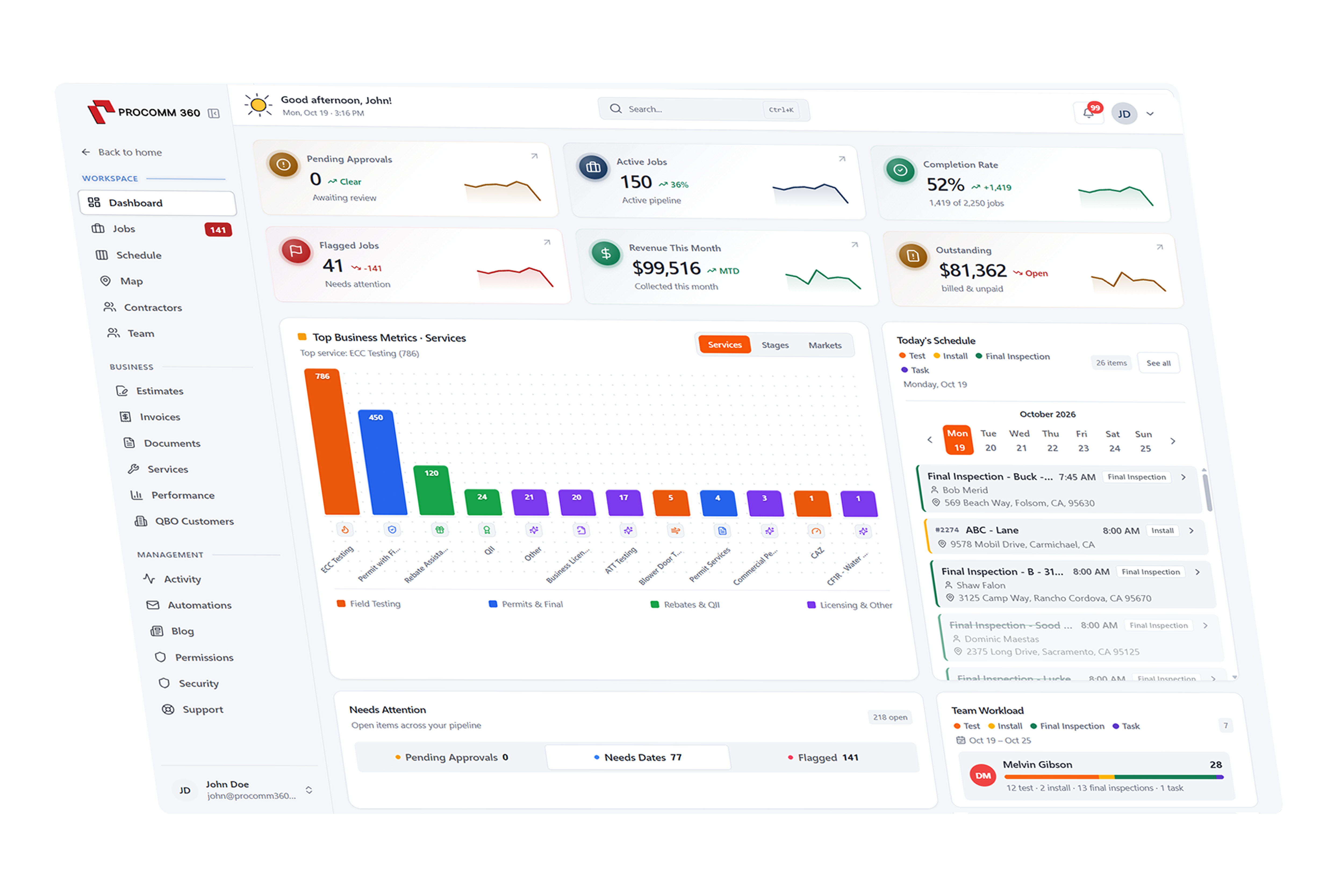
A self-serve client portal that keeps work moving forward
Give residential and commercial customers a branded Client Hub where they can request work, approve quotes, check appointment times, and pay invoices online, any time of day.
Set up and supported by our local team in Rocklin, CA

Quote approved in Client Hub
Panel upgrade · signed by Dana W.
How does the Client Hub work in Procomm 360?
Request Work
Customers request new work in seconds
Returning customers log in, describe what they need, and pick a preferred time. The request lands in your CRM with their property details already attached.

Client Hub
Request service
Dana Wells · 812 Granite Ave
Approvals & Change Orders
Approvals and sign-offs without the phone tag
Customers review quotes, choose options, and sign off on change orders from their Client Hub. You're notified the moment they approve, so work keeps moving.
Waiting on you
Dana Wells · Client Hub
- Review
Quote #1042 · Panel upgrade
$3,620
- Sign
Change order #2 · Extra outlet
+$185
- Approved
Quote #998 · EV charger
$1,450
Appointment Details
Customers always know when you're coming
Upcoming visits, arrival windows, and the assigned team member are always visible in the Client Hub, which means fewer “when are you coming?” calls for your office.
Upcoming visits
812 Granite Ave
- ThuConfirmed
Panel upgrade
8–10 AM · Jen K.
- May 30Scheduled
Final inspection
1–3 PM · Jen K.
Online Payments
Pay invoices and save a card on file
Customers pay by card or ACH and can save a payment method for faster checkout next time. Their history of invoices, visits, and warranties is always one click away.
Invoice #3402
Panel upgrade
Due May 31


Trusted by 55+ growing service businesses
“Customers approve estimates right from the text link and pick their appointment window in the Client Hub. We stopped playing phone tag completely.”
Get a system built around your business
Pick the tools you need, and we'll put together a quote that fits the way you work.
Build Your SystemRelated Features
Works with the tools you already use
Connect QuickBooks, Xero, your bank accounts, and Clover POS so information flows between systems without double entry.